Revised 08/25/2026
A GL Register (short for General Ledger Register) is a detailed record of all transactions posted to the General Ledger in a batch. Every time something is posted from General Journals, it creates a GL Register. This groups all transactions together that were included when “Post” was selected - either by a BC User or by an automated process like reapportioning, autobalance, or JIA.
When a journal entry needs to be reversed, I can either reverse the individual transaction or reverse it from the G/L Register, depending on the situation. For details on reversing a single transaction, see Reverse a Journal Entry.
In some cases, reversing from the G/L Register is more efficient. For example, if payroll was processed incorrectly and multiple entries need to be undone, reversing the group in the G/L Register lets me correct everything at once.
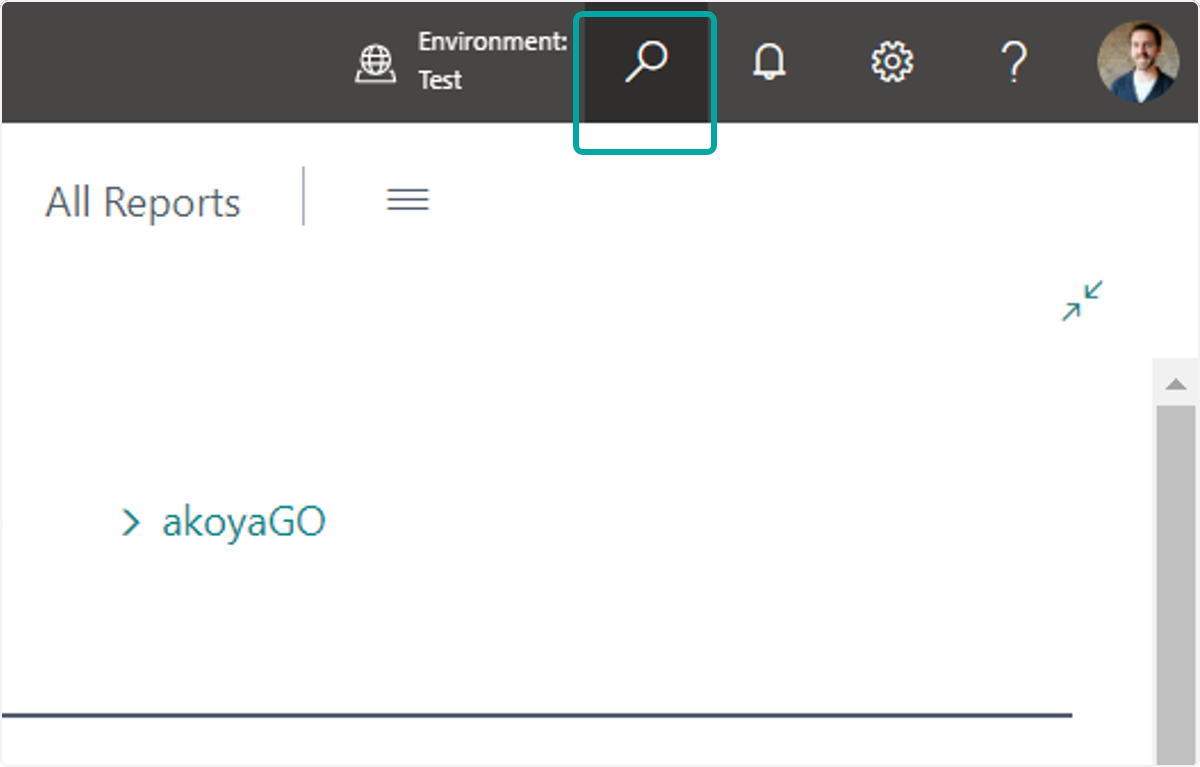
1. Select the Search icon
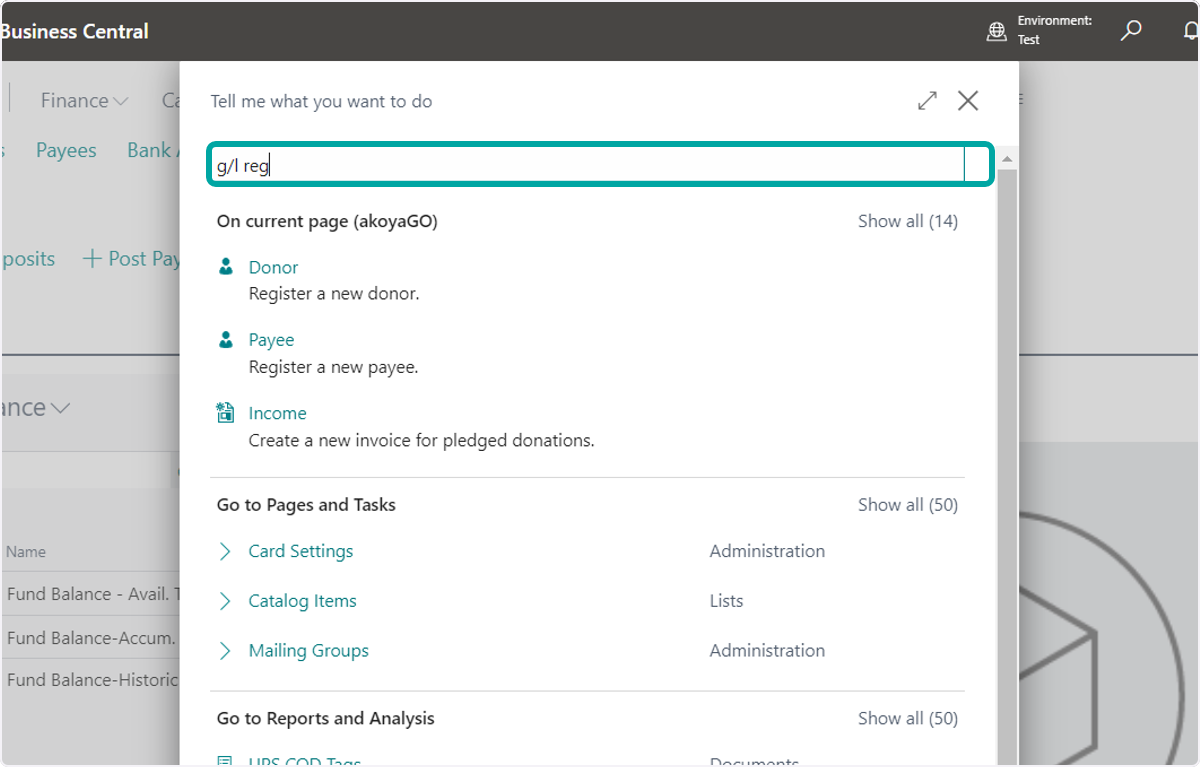
2. Search for G/L Register
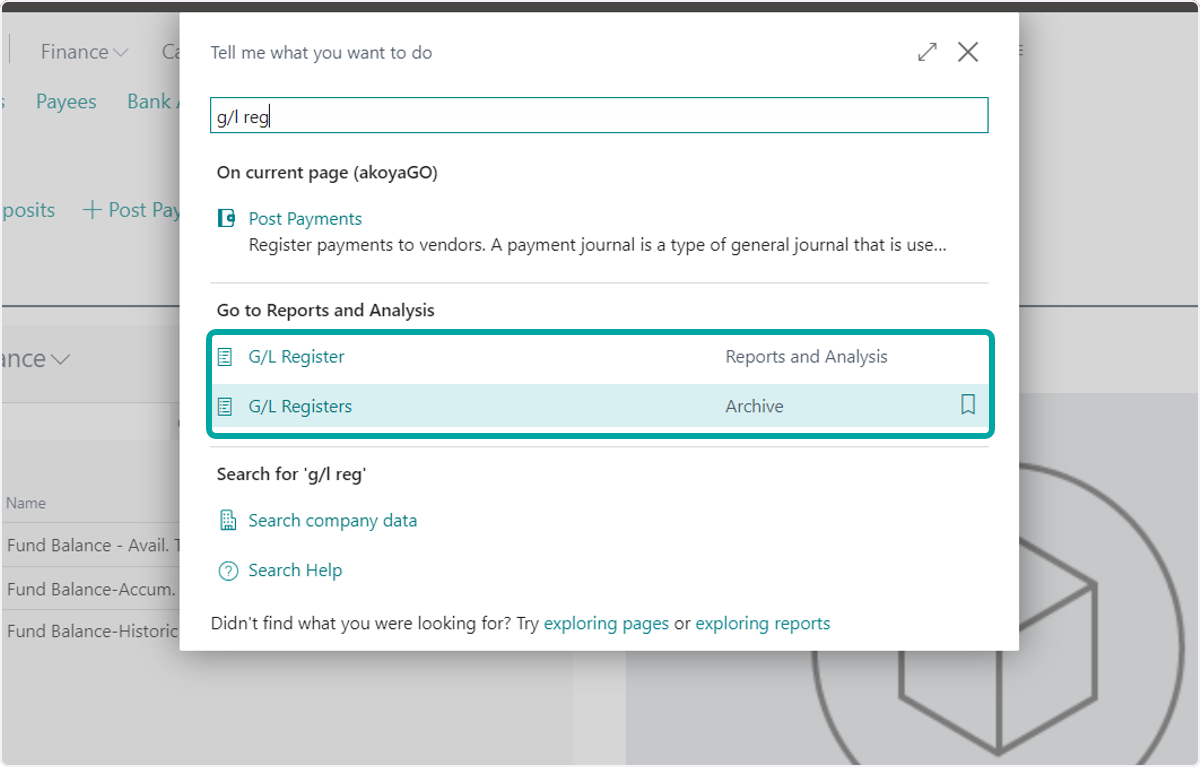
3. Open G/L Registers (Archive)
4. Open the Filters pane
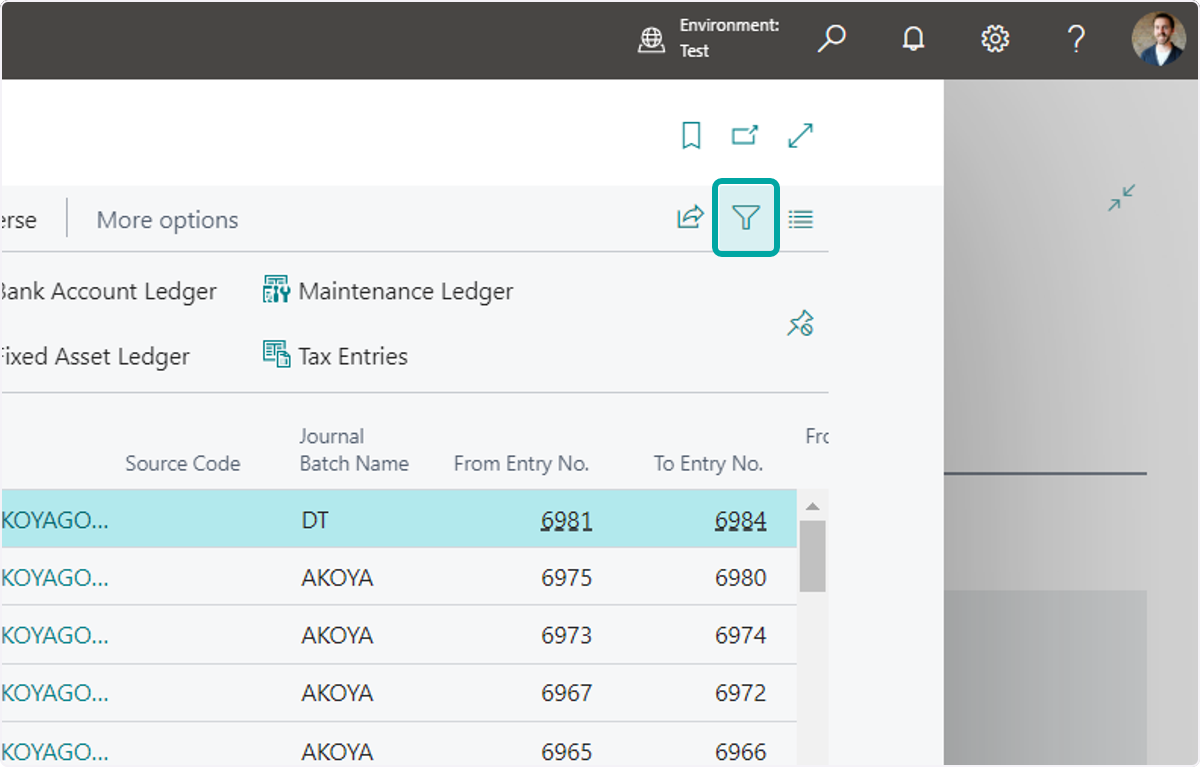
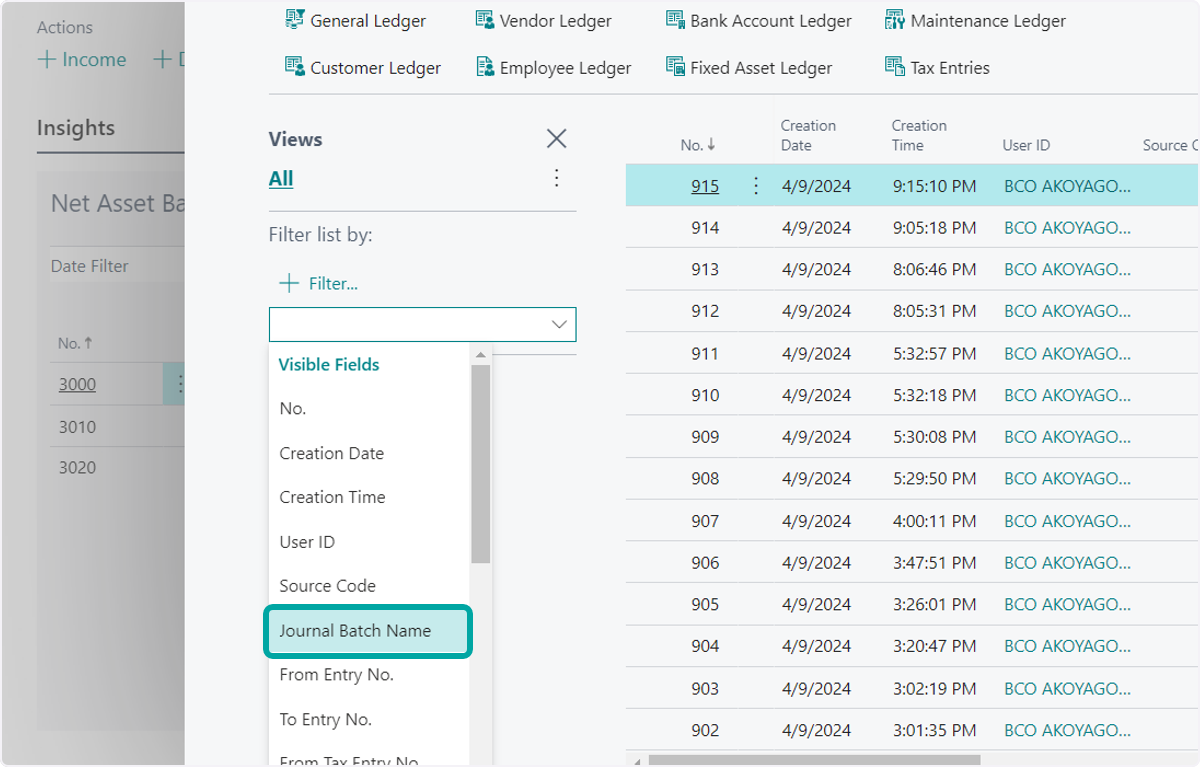
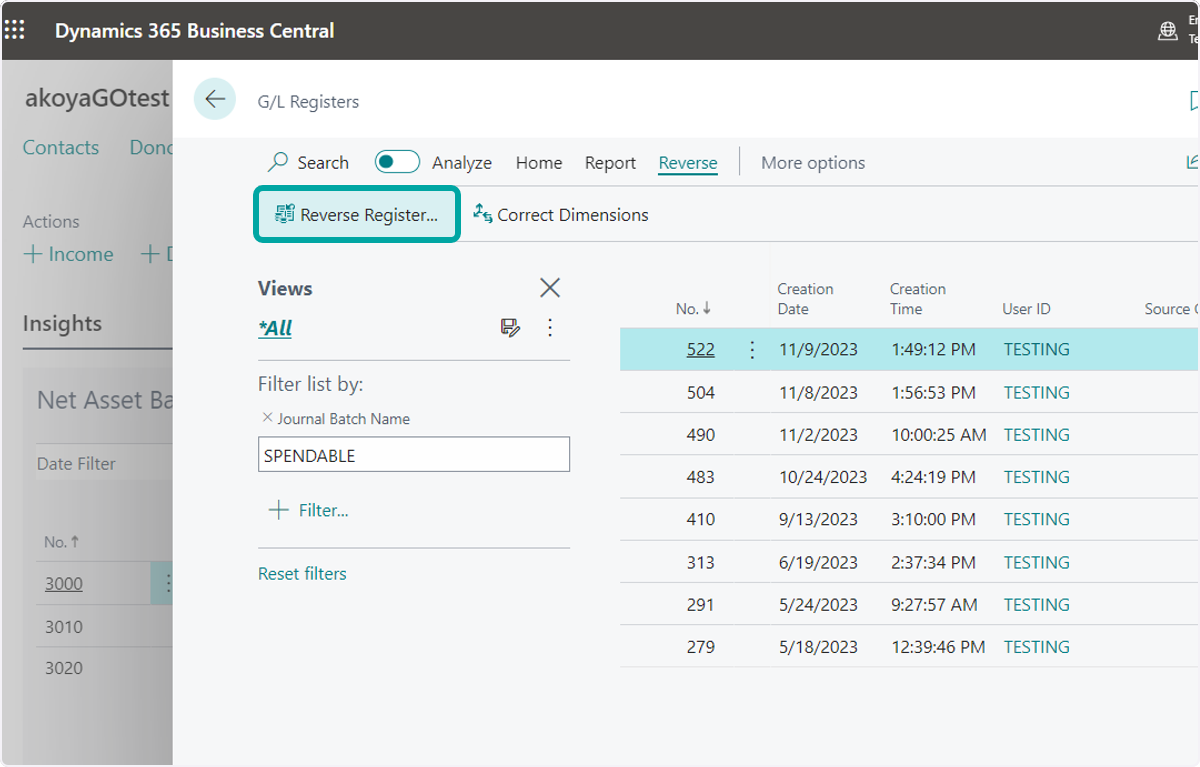
5. Click on Add a new filter on a field and apply a Filter to find the desired G/L Register. For example, you may filter by the Created At date, by the User ID to identify the user who posted, the Journal Batch Name to identify the Journal the G/L Register was posted from, etc.
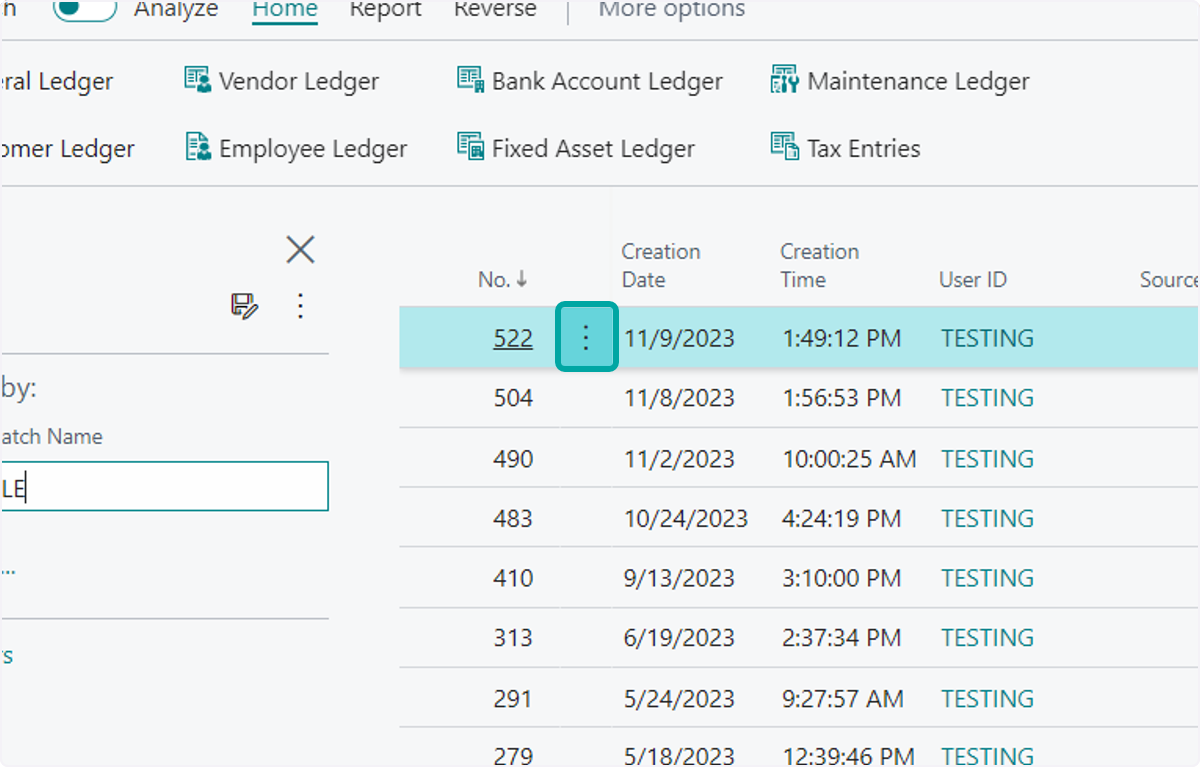
6. Select the entry you wish to reverse
7. Click on Reverse
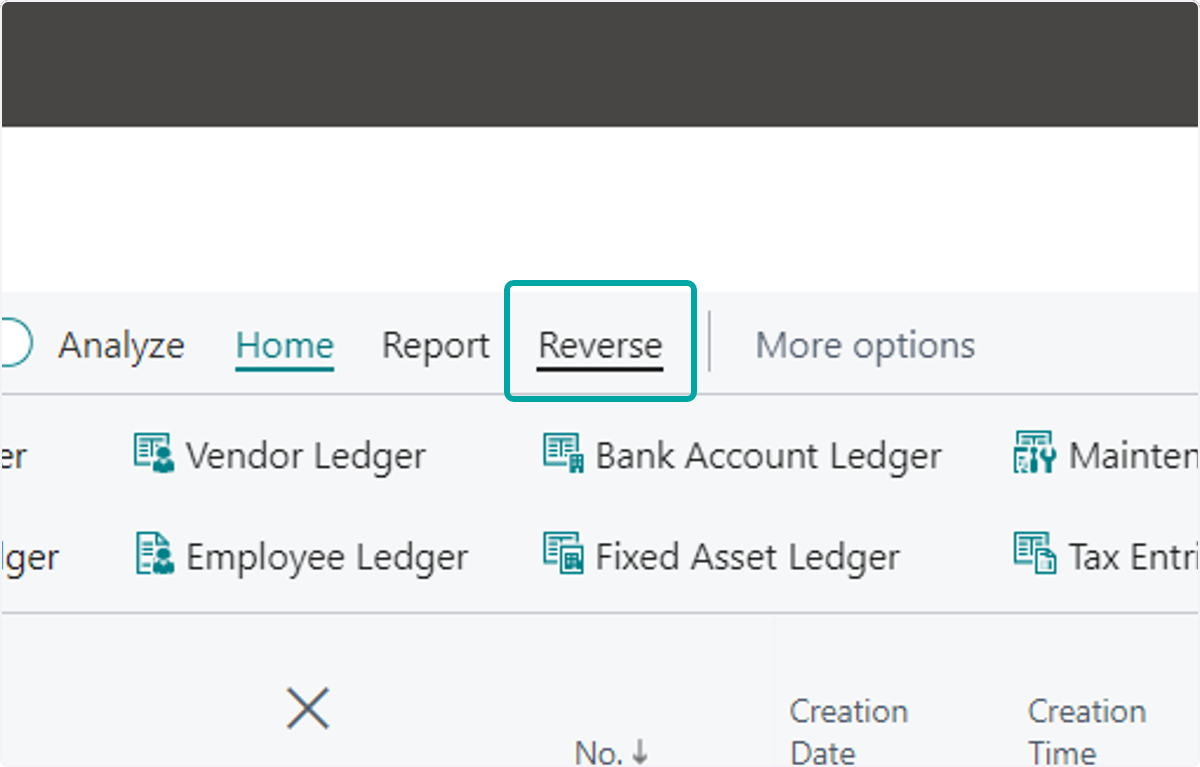
8. Click on Reverse Register...
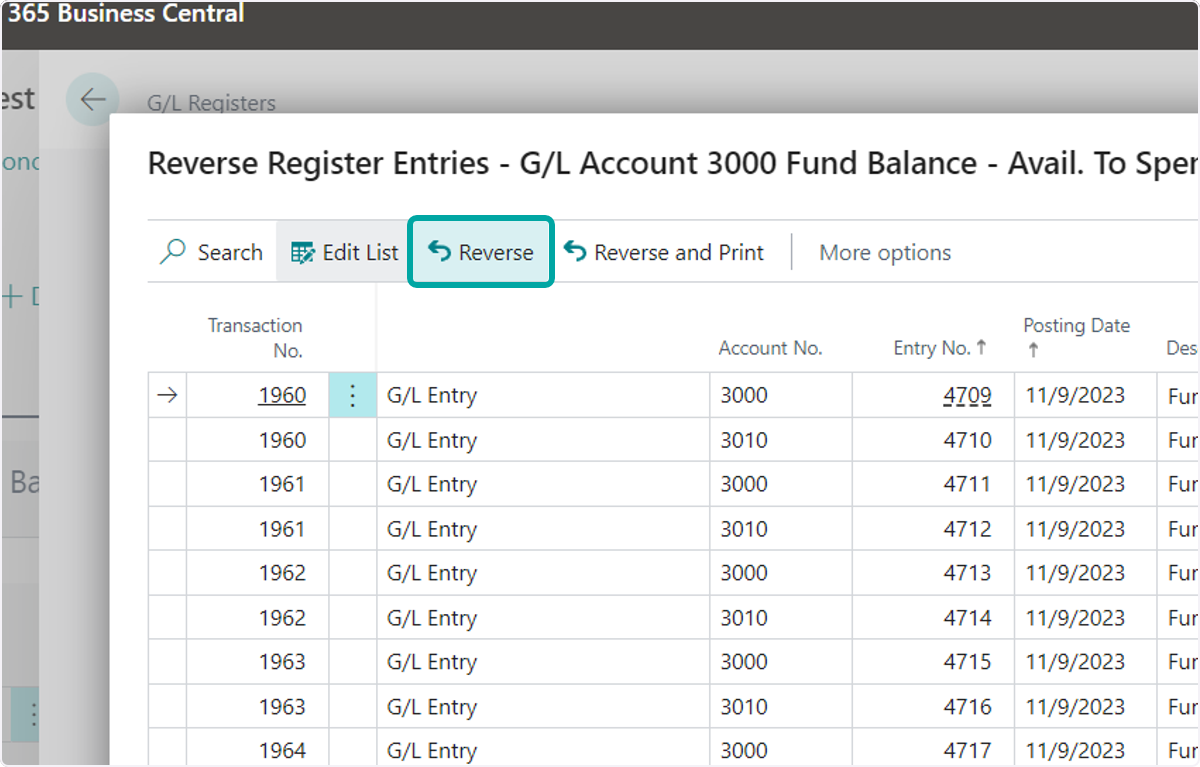
9. Review the reversal preview. If you would like to proceed, click on Reverse
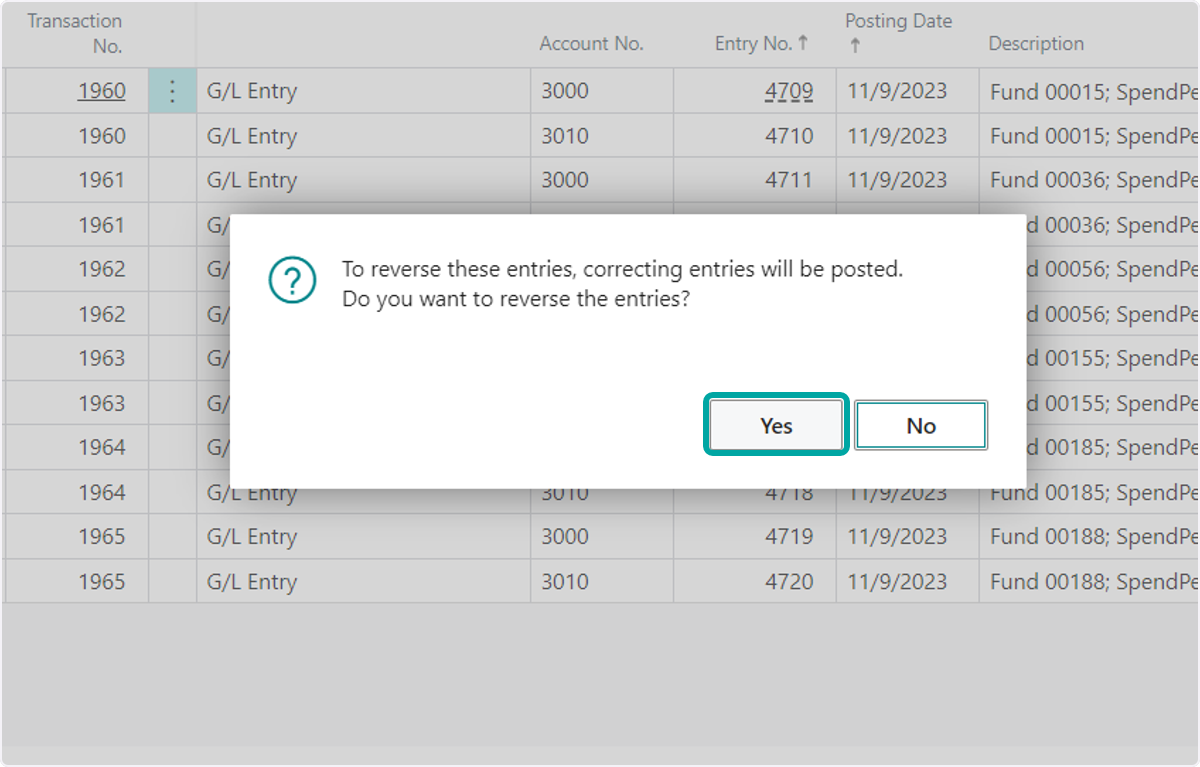
10. Select Yes to proceed with the reversals
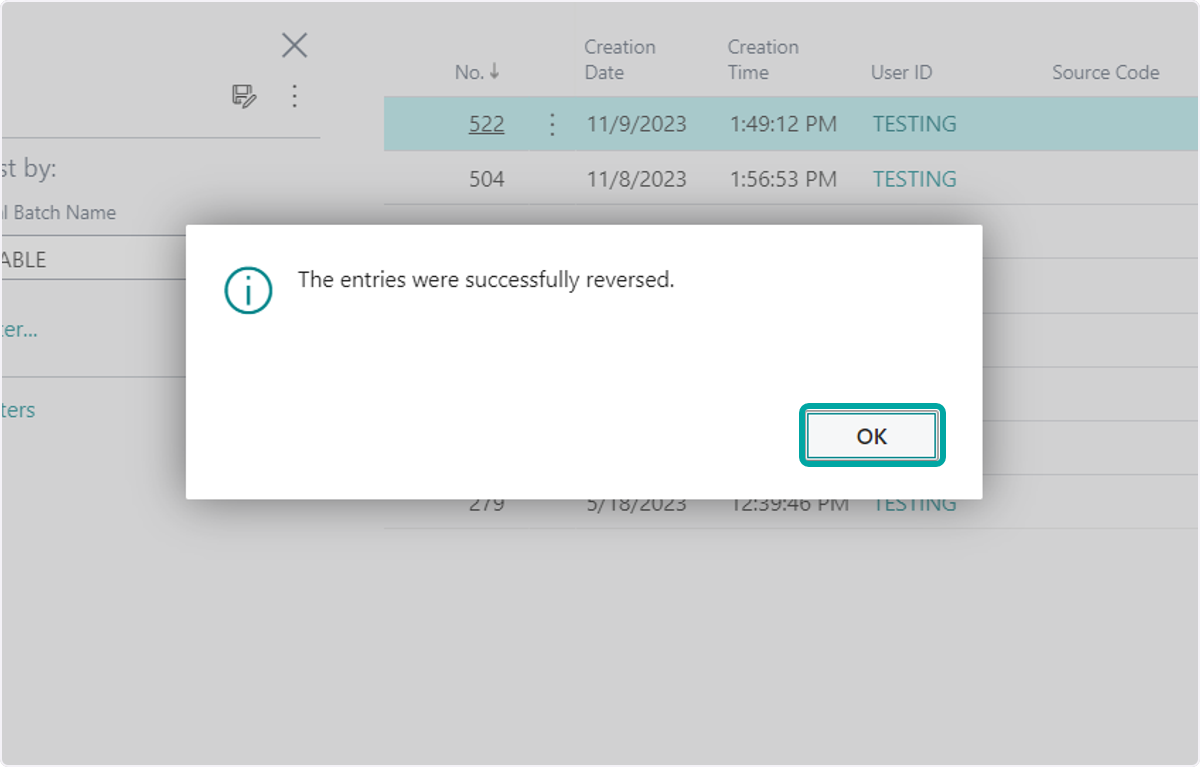
11. Click on OK